Ask for a book,
not an answer.
Chat is a bad container for learning. Answers scroll away, nothing paces you, and there is no way to move back and forth through an argument.
Zhuzha inverts that. You say what you want to learn and how many minutes a day you have. It writes you a book — an outline first, then chapters one at a time, in a teaching style you choose. The chat lives around the book instead of being the product.
You read paginated pages on e-ink, mark a passage with a stylus, ask about that exact passage, and write in the margin. The book notices how you read, and carries it into the next chapter.
What it does
- Writes the course. Topic, daily minutes and what you already know become an outline with chapters, objectives and time estimates.
- Remembers across chapters. Each chapter is written against a running memory of the course, so chapter 6 knows what chapter 2 taught.
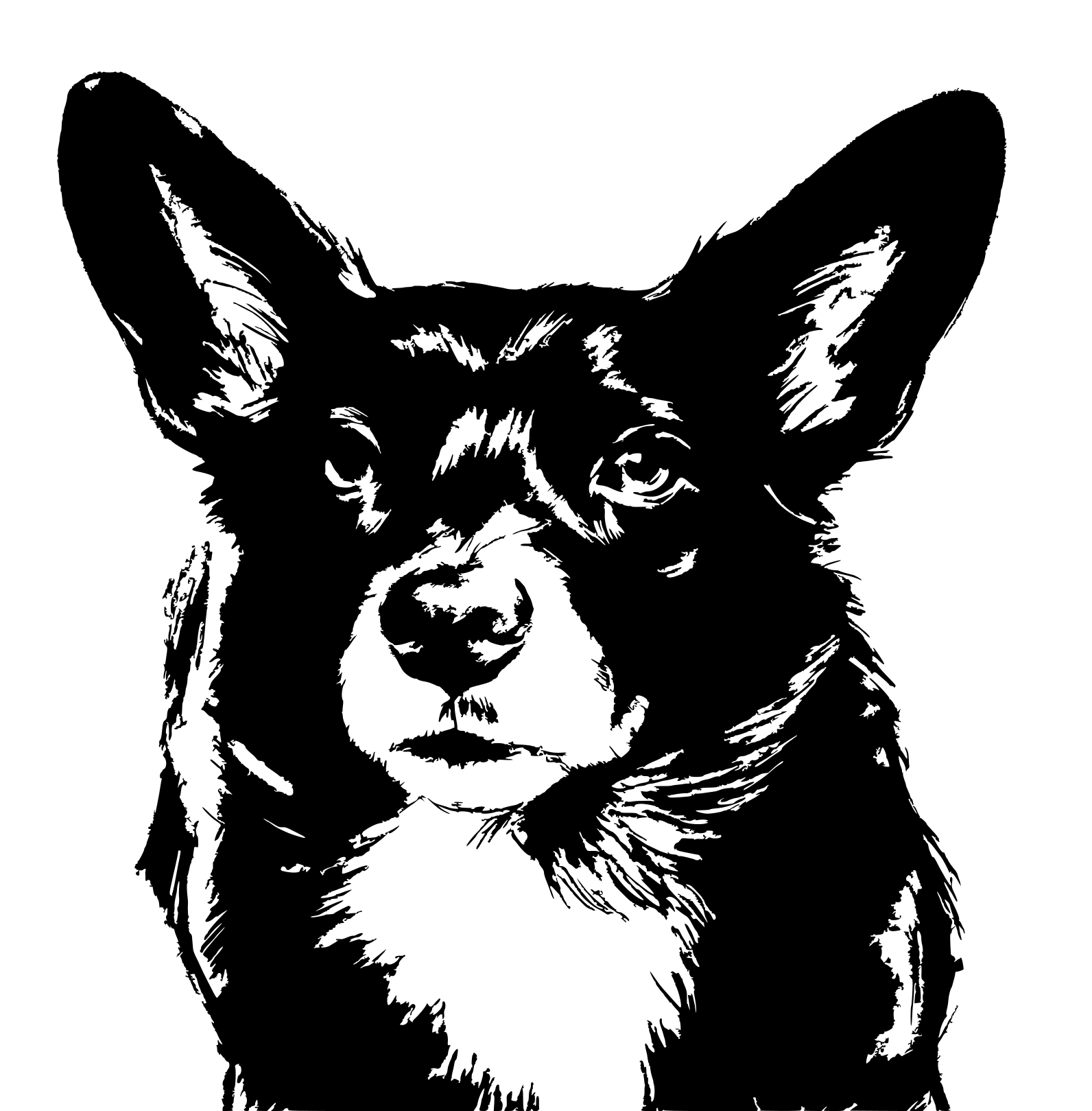
- Draws. Loose greyscale sketches, a cover picture of the problem each chapter solves, and a mascot marking exercises and recaps. They exist to make a study page feel alive, not to be reference diagrams.
- Takes handwriting. Raw stylus ink with no perceptible lag on supported hardware: underline a line to ask about it, sweep to erase, write your answer before you reveal the book’s.
- Reads you back. What you asked, what you marked without asking, what you wrote — kept in a plain file you can read and edit, and fed into the next chapter.
- Lets go. Every book exports as an EPUB, and everything is on disk as Markdown and JSON. Nothing is trapped in the app.
Why it looks like this
The design rules come from the display, not from taste. E-ink renders every intermediate frame, so a smooth scroll arrives as a crawling smear — everything paginates instead. A grey that looks subtle on a laptop is mud at 300 DPI on paper-white, so there are no greys. Narrow bands at the edges turn pages, and the middle of the page is deliberately inert, because with a stylus in hand most contacts with the middle of a page are accidental.
The constraint is the point. The book-page metaphor is the whole idea.
This is a personal project in daily use, not a company. There is no account, no server, and no telemetry — the developer receives nothing, because there is nowhere for it to go. Your books live on your device as ordinary files.
It runs on your own Google Gemini API key, which you enter once and which is stored encrypted on the device. That keeps it free to run and free to give away, and it means the first thing the app asks you for is a key. If that is a dealbreaker, it is better to know now than after installing.
Any Android phone will run it, and it is built for a 7-inch e-ink tablet with a stylus — an Onyx Boox, in the one case it has been tuned against. Get a Gemini API key, install, and ask it for a book about the thing you keep meaning to learn.
Not on Google Play yet. If the app writes you something wrong or offensive, there is a report button on the page itself — it writes a file you can read before you send anything.